
Capture several crafts at once
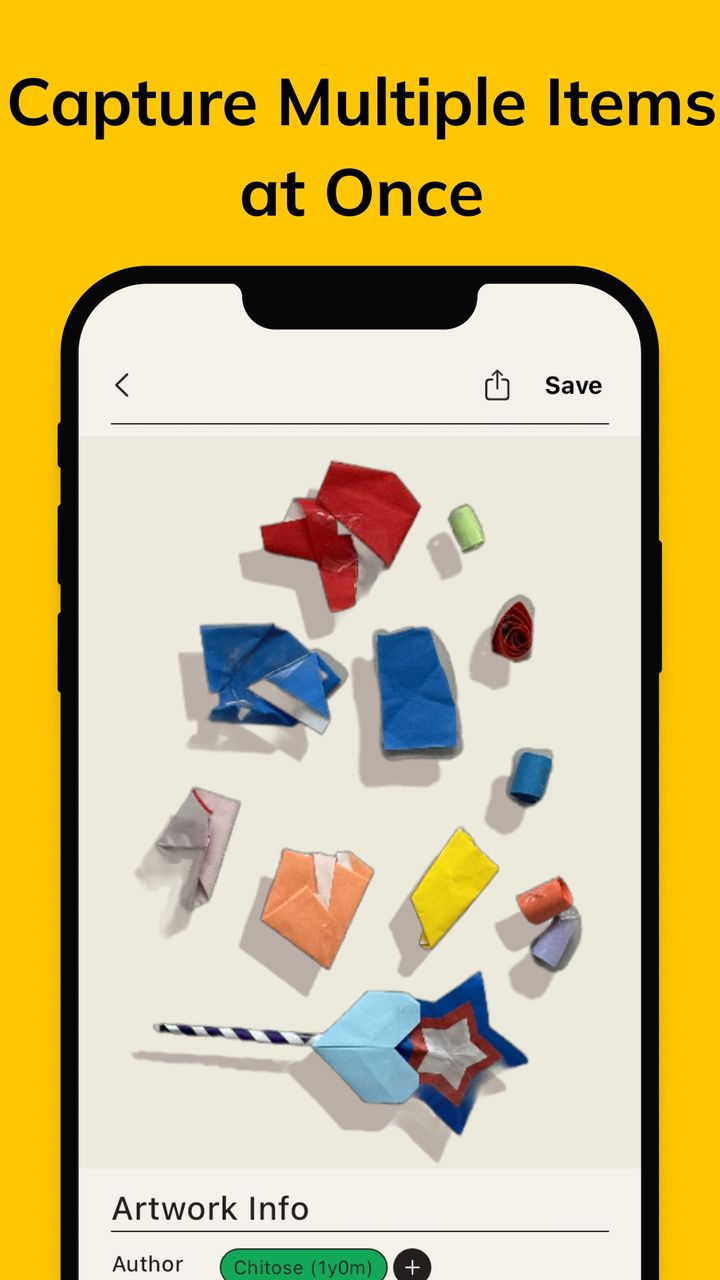
Lay out a few small crafts, take one photo, and the app splits them automatically so each piece can be kept on its own.
Free to download
Take a photo of a drawing or a craft, adjust the corners, and KidsGallery turns it into a clean digital record with the artist's name, the date and a short note.
Everything below is shown in the app's App Store screenshots.
Lay out a few small crafts, take one photo, and the app splits them automatically so each piece can be kept on its own.
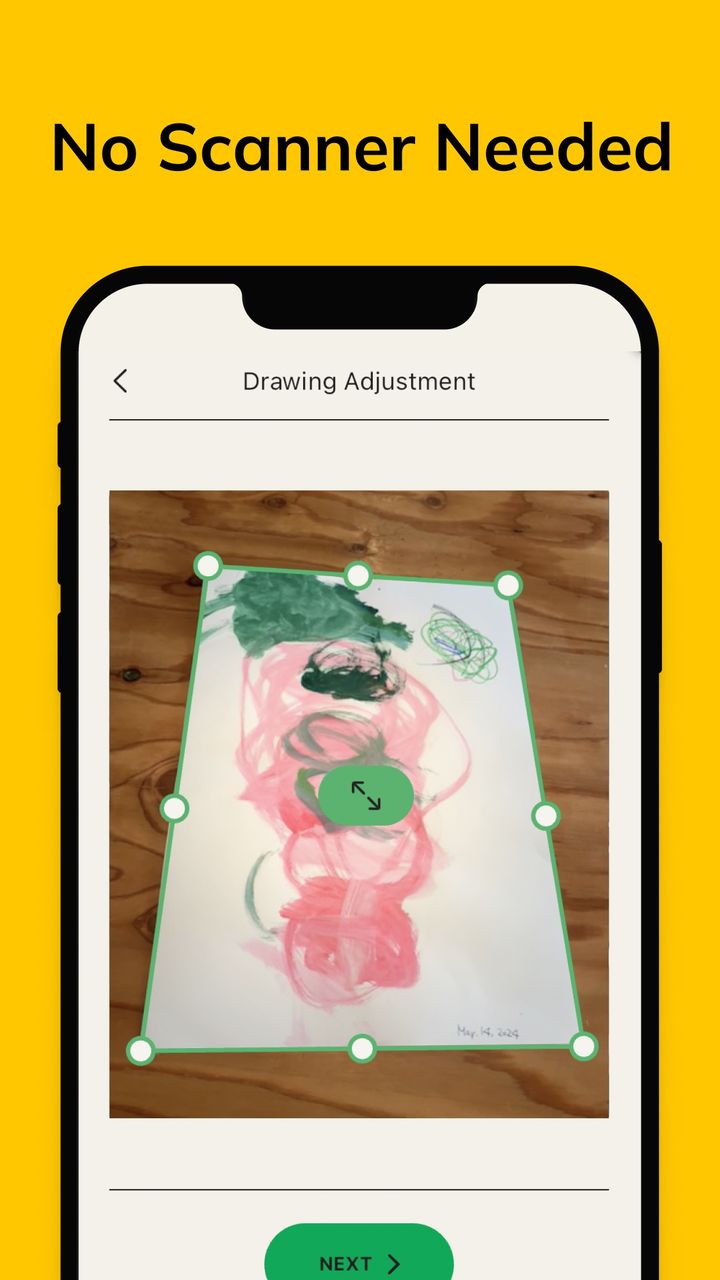
Photograph a drawing on the table, then drag the corner handles in the Drawing Adjustment screen so the paper is cropped neatly.
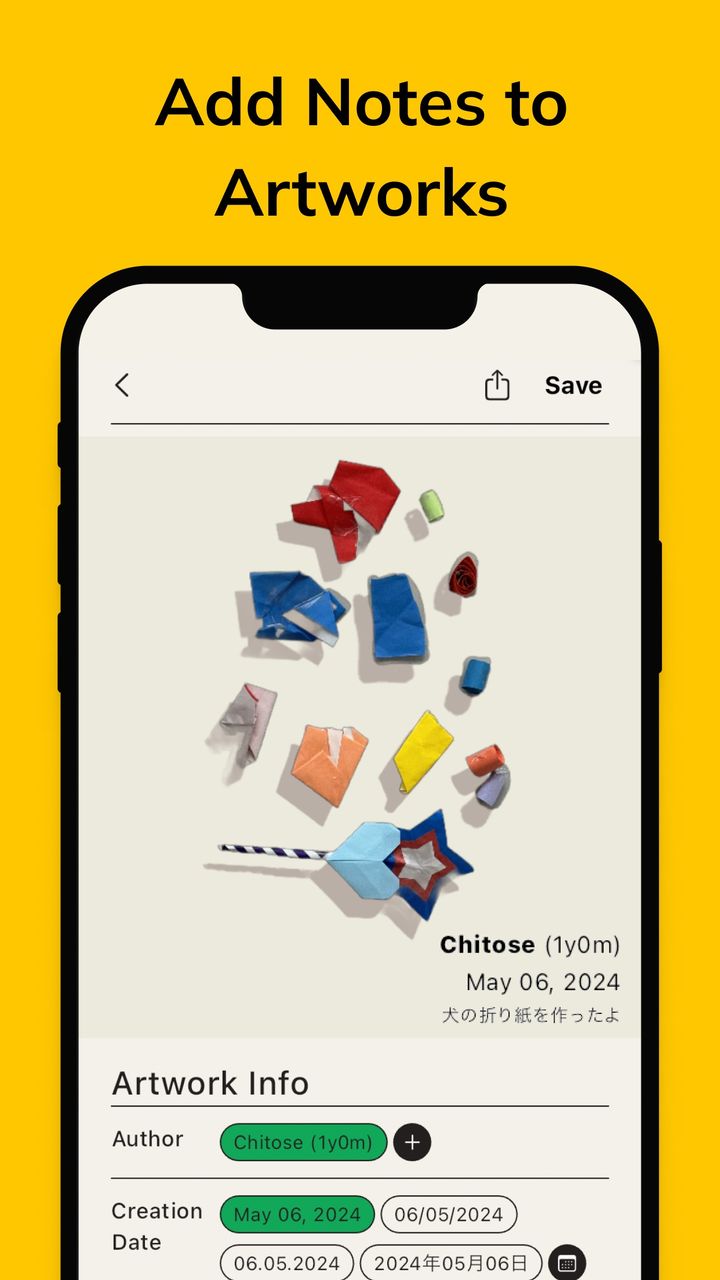
Record who made it, when it was made and a few words about it, so the story behind each piece is not forgotten.
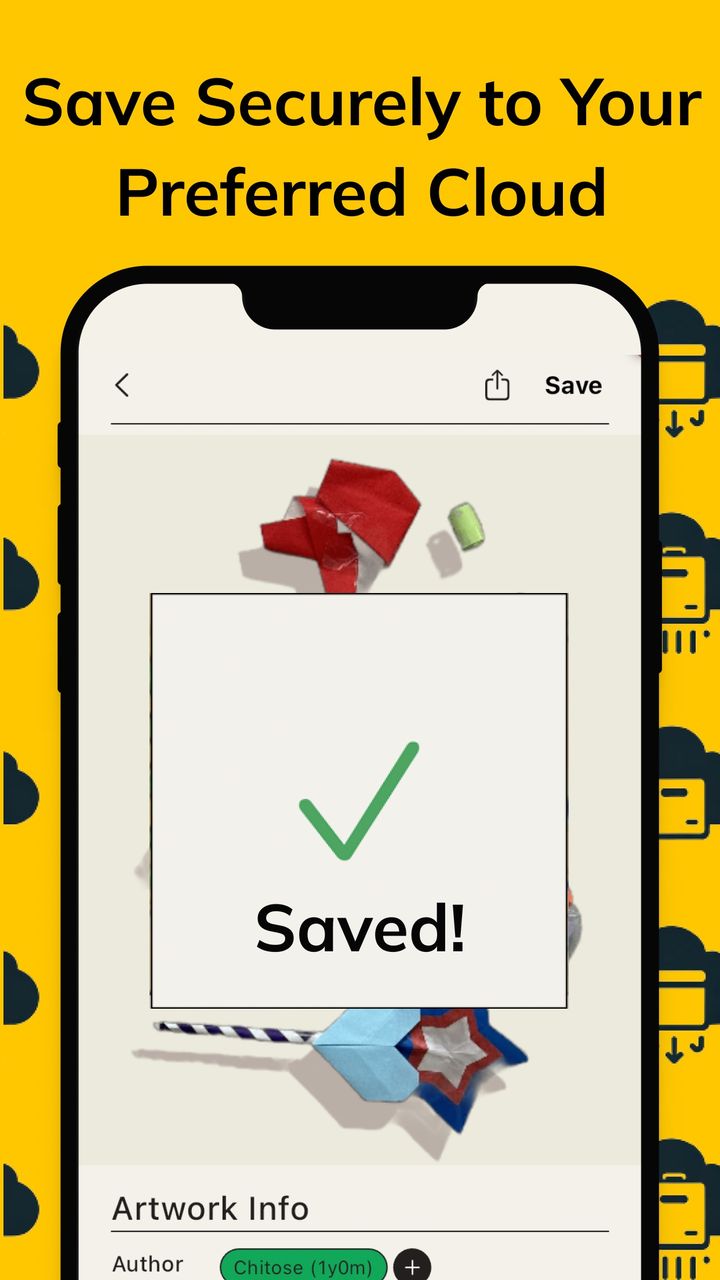
When you press Save, the artwork goes to the cloud you chose, instead of piling up on one phone.
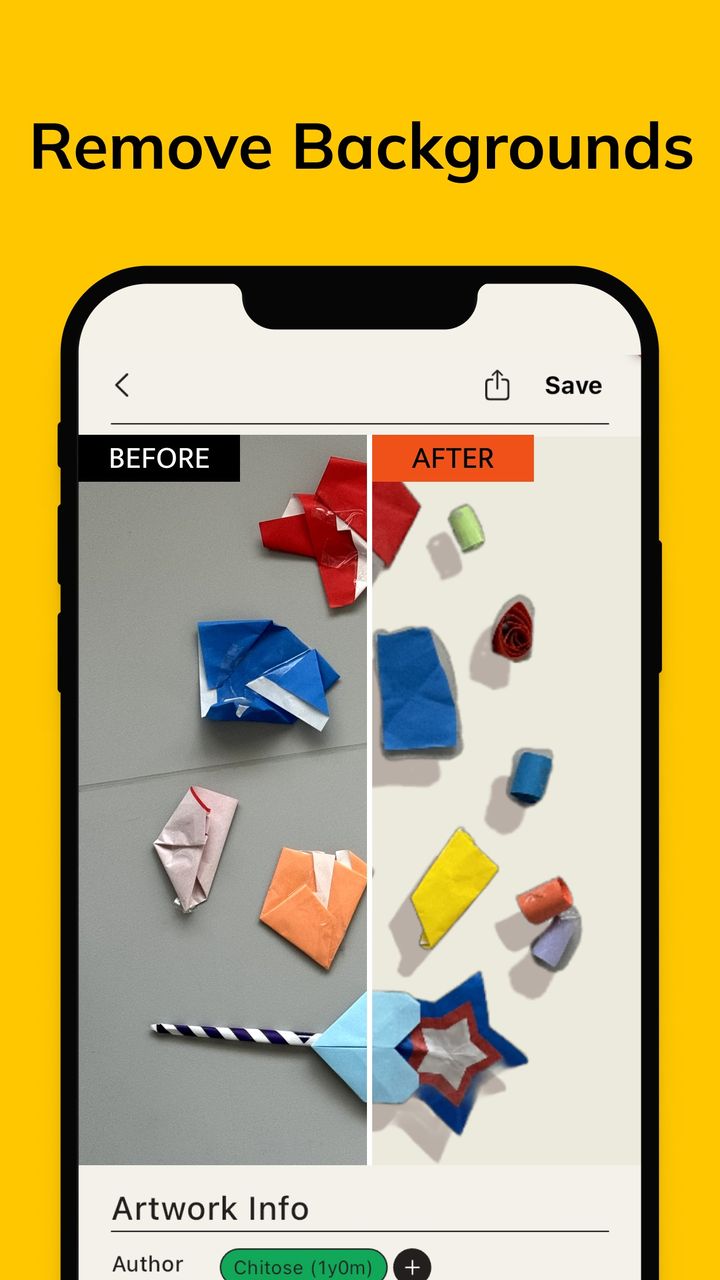
A before and after slider shows a cluttered photo turned into a clean image where the artwork stands out.
The App Store description also mentions AI-generated captions for each artwork and sharing with family and close friends.
Place the drawing or crafts on a table and take a photo in the app.
Drag the corners to fit the paper. Remove the background if you want the artwork to stand out.
Enter the artist's name, the date and a note, then press Save to send it to your cloud.
It is free to download on the App Store. Please check the App Store listing for the current details.
No. You use your phone camera and adjust the corners of the drawing inside the app.
Yes. KidsGallery works from photos, and its screenshots show paper crafts being captured several at a time and separated automatically.
On iPhone with iOS 12.1 or later (it also runs on iPad), and there is a version on Google Play for Android.
The App Store lists English and Japanese.
You choose the cloud you save to. For how the app handles information, see the Privacy Policy linked below.
Download KidsGallery and save your first drawing today.